
Description
The same levels from different perspectives
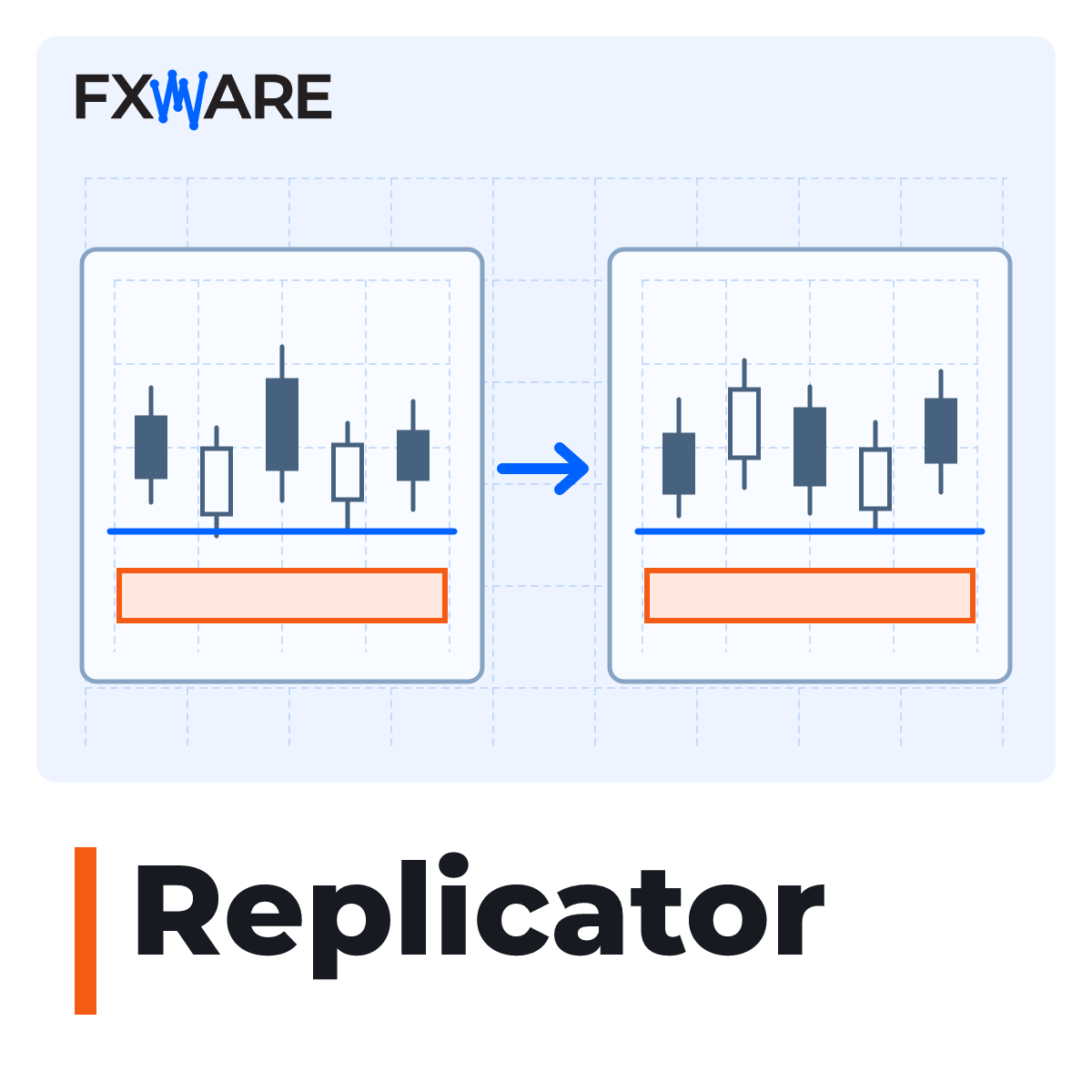
When analysing a single instrument across several timeframes, manually reproducing the markings takes time. FXWare Replicator transfers drawings from the source chart to the target charts, preserving their position relative to time and price, as well as properties such as colour, style and line thickness.
For example, you can view the horizontal lines and rectangles drawn on the EUR/USD H1 chart simultaneously on the EUR/USD M15 and M5 charts.
Adjust the copy range to suit your layout
- Facilities: horizontal, vertical and trend lines, rectangles, triangles, channels, Andrews’ forks, ellipses, Fibonacci levels and extensions, text and arrows.
- Filters: Select objects by name or prefix, and specify the visible object types and intervals in the Reader.
- Source reference: Enable automatic captions to see which interval a particular object comes from.
- Bidirectional operation: Add both indicators to the two charts so that the lines can be drawn in both directions.
From the source chart to the first copy
- Open at least two charts of the same instrument on different timeframes.
- Add the FXWare Replicator to the source chart and the Replicator Reader to each destination chart.
- In Reader, select the intervals and object types you wish to display.
- Draw a line or area on the source chart and check that it appears on the other charts.
Requirements and scope of operations
The licence covers MT4 and MT5. To get started, you will need a valid licence and a file FXW_REPLICATOR.key and the option enabled Enable DLL import for both indicators.
The charts must relate to the same instrument and have different timeframes. The Replicator does not copy orders or positions. It is not necessary to enable automatic trading.