
Description
Track price movements using Renko bricks
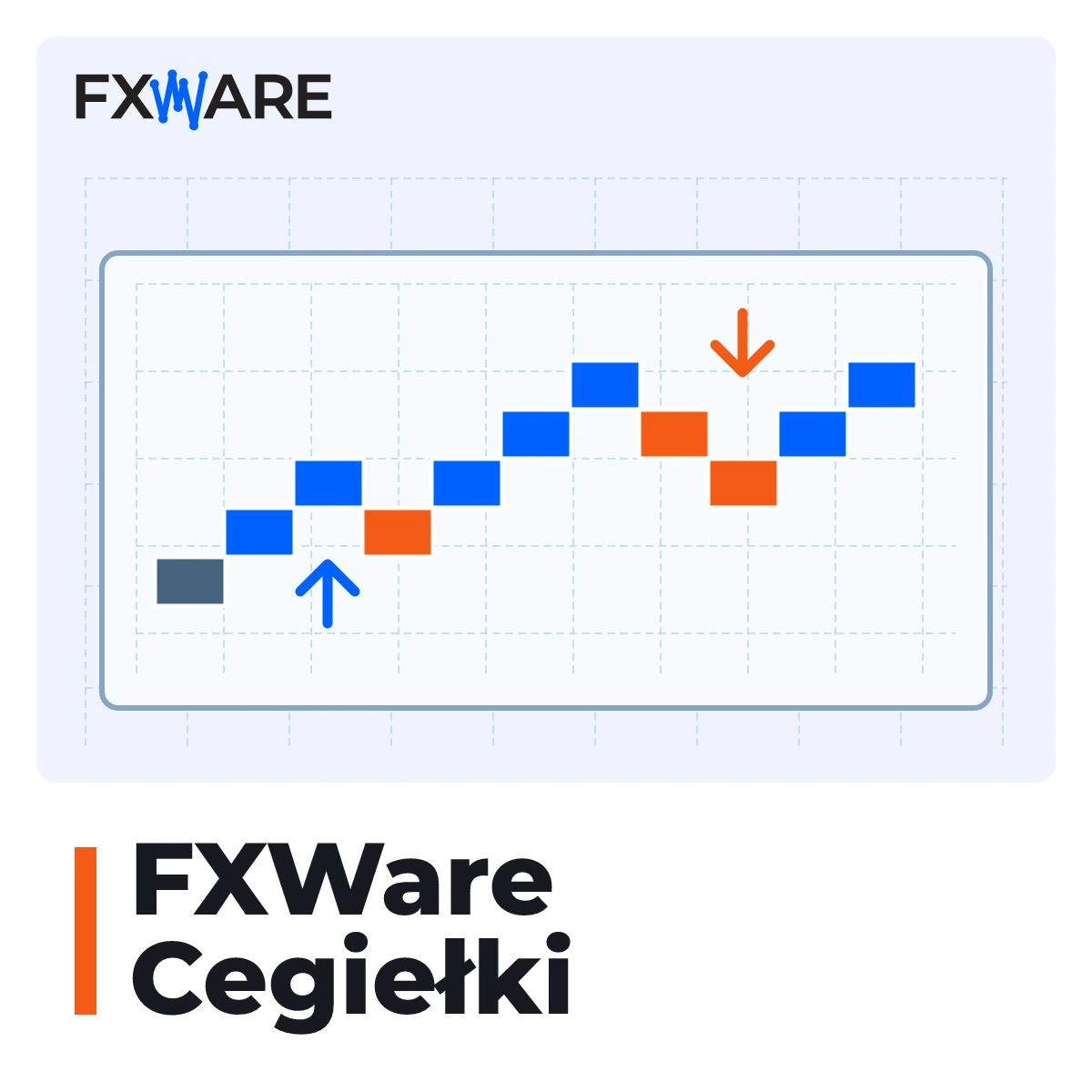
FXWare Bricks creates an offline Range Bar chart in MetaTrader 4, plots Renko bricks on it and adds directional arrows. This is a layout for MT4 users who wish to analyse price movement across successive bricks and compare it with directional indicators.
What the diagram shows
- Completed bricks and a brick that is still under construction.
- Wicks indicating the extreme price levels during the formation of a brick.
- Up and down arrows calculated from the chart data.
The arrows are plotted regardless of the colour of the bar. This allows you to compare the price movement with the directional signal on the same chart.
Adjusting the size of the bricks
The starter module calculates the base size of the Range Bar from the M1 data. It then multiplies this by the set Renko brick multiplier. The automatic styles select the base size, whilst the Custom Trading mode allows you to enter it manually.
The starter opens a ready-made template with bricks and arrows and updates the chart offline. The starter chart must remain open throughout the entire session.
MT4 requirements
To get started, you need to enable AutoTrading, the „Enable Trading” option and import the DLL. These settings enable the technical functionality of the chart. FXWare Cegiełki does not open or close trades.
Platform and licence
The licence covers MT4 and MT5. MT4 version 2.11 is currently available. The MT5 version is not yet available – you will be granted access to it under the same licence upon its release. One-off payment, perpetual licence.
Add ‘Bricks’ to your basket and analyse price movements in MT4 using Renko bricks and directional arrows.