
Description
Set up a Range Bar chart with a pre-defined layout for analysis
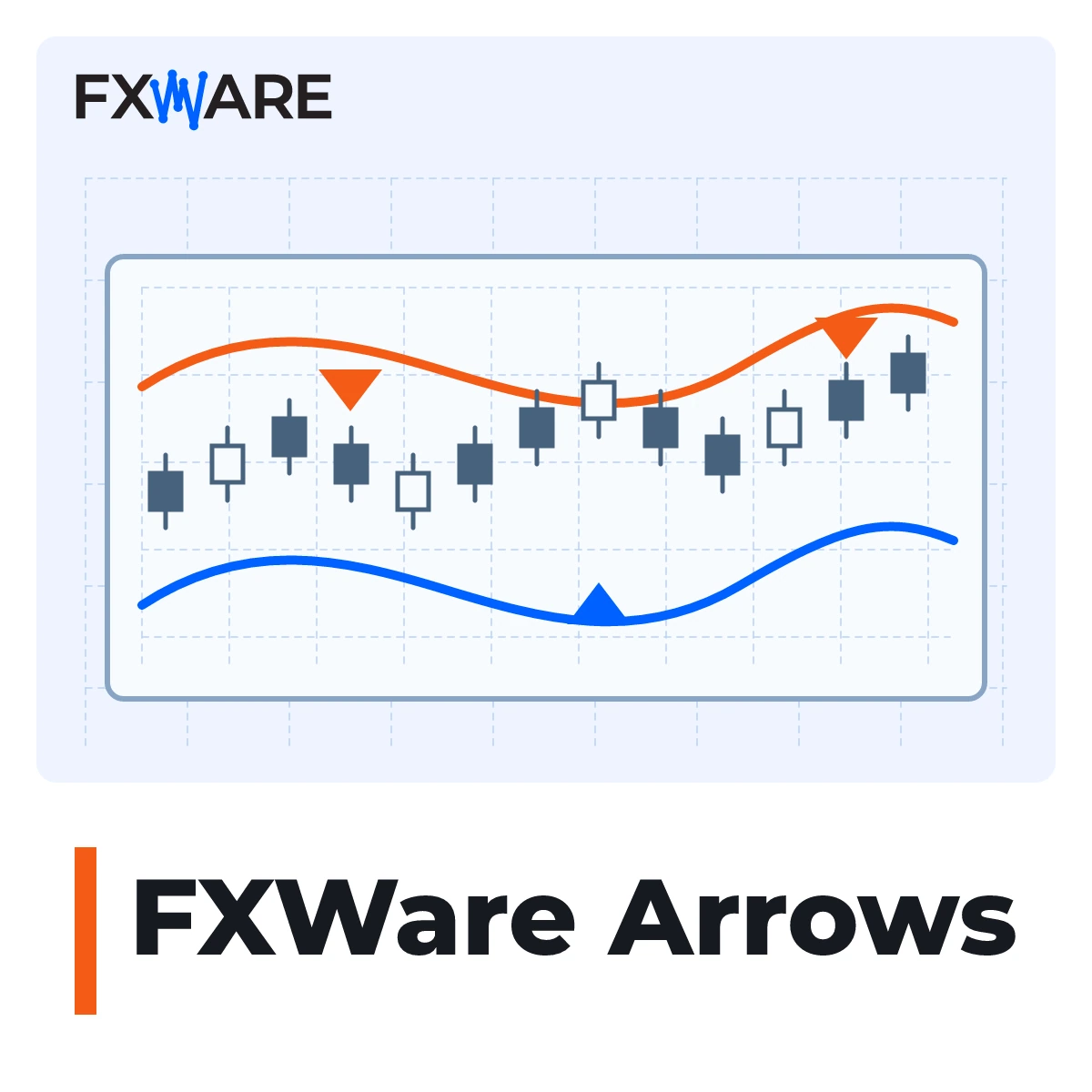
FXWare Arrows is a tool for MetaTrader 4 users who wish to analyse price reactions on a Range Bar chart without having to configure the indicator and template separately. The starter module creates and updates the chart offline, then opens a ready-made layout on it featuring directional arrows, coloured candlesticks and TMA bands.
What will you see on the graph?
- TMA bands show the price’s position relative to the calculated channel.
- Directional arrows indicate a price reaction outside the band when the next candlestick meets the condition for a change in direction.
- Colourful candles highlight an additional condition calculated by the indicator.
The arrows indicate the status of the chart. FXWare Arrows do not open or close trades.
Adjust the size of the Range Bar
Choose one of the four automatic position sizing styles: Extreme Scalping, Speed Scalping, Tactical Scalping or Day Trading. In Custom Trading mode, you can enter your own position size in pips. The automatic calculations use M1 data.
Setting up in MT4
Copy the starter module to the platform and add it to a standard chart. The starter installs an indicator and a template, and sets up a separate offline chart. DLL import must be enabled for this to work. Keep the chart with the starter module open at all times whilst the programme is running – closing it will stop the offline chart from updating.
Licence and Compliance
The offer includes a perpetual licence for FXWare Arrows for MetaTrader 4 and MetaTrader 5, payable as a one-off fee. The MT4 2.11 version is currently available. The MT5 version is not yet available – you will gain access to it under the same licence upon its release. In the current MT4 2.11 version, the file-based licence uses a separate key FXW_ARROWS.key. You cannot activate MT4 version 2.11 using a licence from the Challenge.
Add FXWare Arrows to your basket and use the ready-made Range Bar layout in MT4.