
Description
Monitor market signals and context in a single MT4 layout
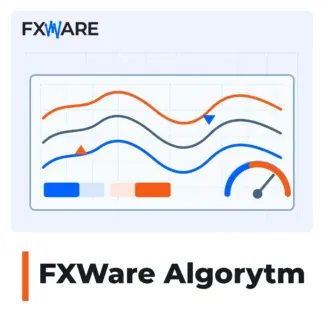
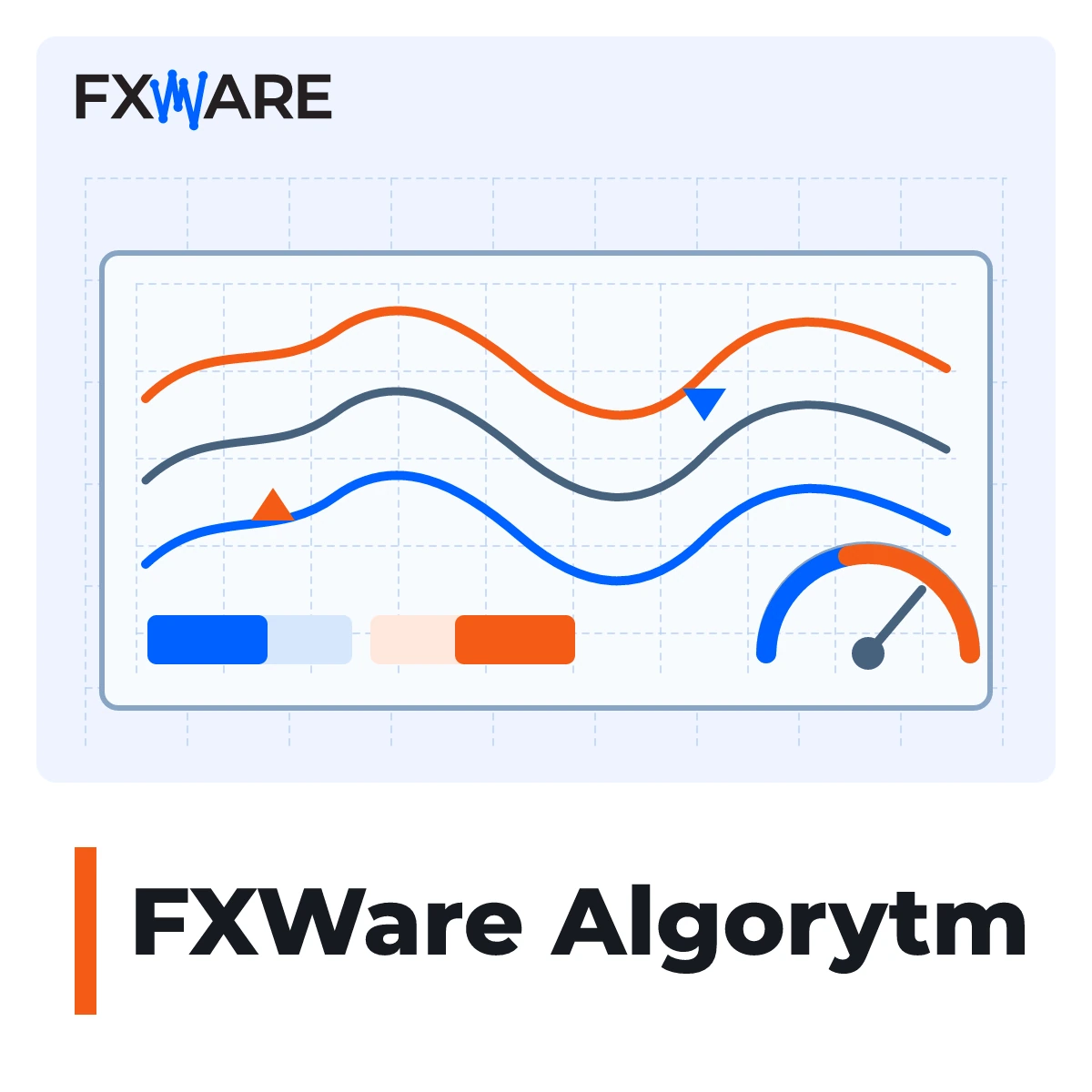
The FXWare Algorithm creates and updates an offline Range Bar chart with a layout designed for market analysis. It combines directional signals, a BUY/SELL advantage panel, TMA bands and market temperature. This tool is designed for MetaTrader 4 users who wish to compare this information on a single chart.
What you’ll see on the chart
- Directional arrows and signal flares.
- The BUY/SELL advantage panel, which you can overlay on the current price chart.
- The upper and lower TMA bands showing the price’s position relative to the bands.
- A market temperature index on a scale of 1 to 9.
How chart preparation works
The starter module calculates the size of the Range Bar based on M1 data, opens the chart offline and keeps it up to date. You can choose between automatic size selection based on your trading style and Custom Trading mode, where you enter the value manually.
The chart with the starter module must remain open. Closing it stops the associated offline chart from being updated.
What is needed to get started
The product requires MetaTrader 4 and the separately installed FXWare FiboManager indicator, which operates within a pre-configured layout. To use FiboManager, you will also need an active licence or authorisation for this indicator. Starter requires AutoTrading to be enabled, the „Enable Trading” option to be selected, and the DLL to be imported. These settings are for the technical operation of the chart. The FXWare Algorithm does not open or close trades.
Platform and licence
The licence covers MT4 and MT5. MT4 version 2.11 is currently available. The MT5 version is not yet available – you will be granted access to it under the same licence upon its release. One-off payment, perpetual licence.
Add the FXWare Algorithm to your basket and set up your MT4 layout to monitor signals, TMA bands and BUY/SELL advantages.